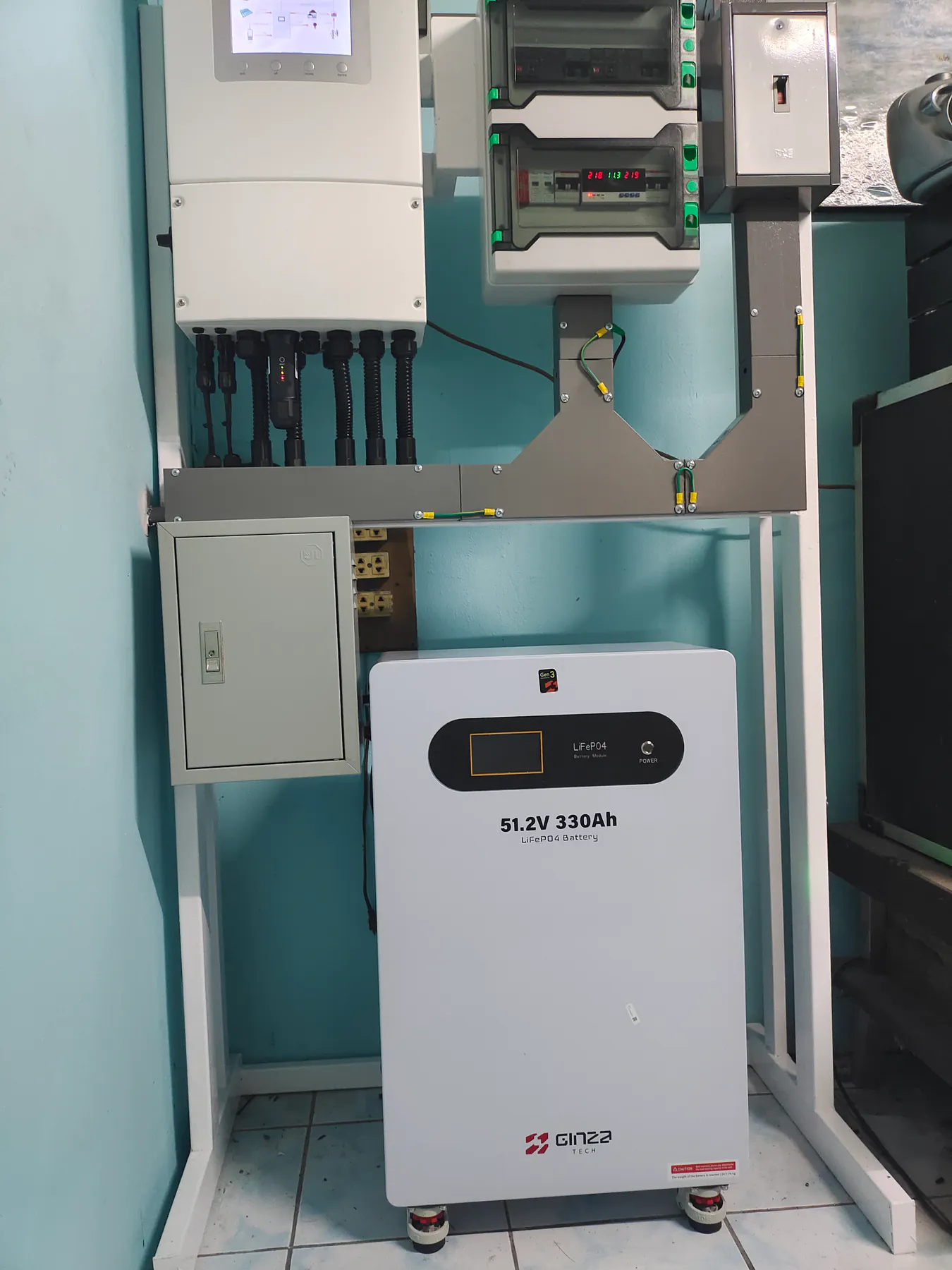
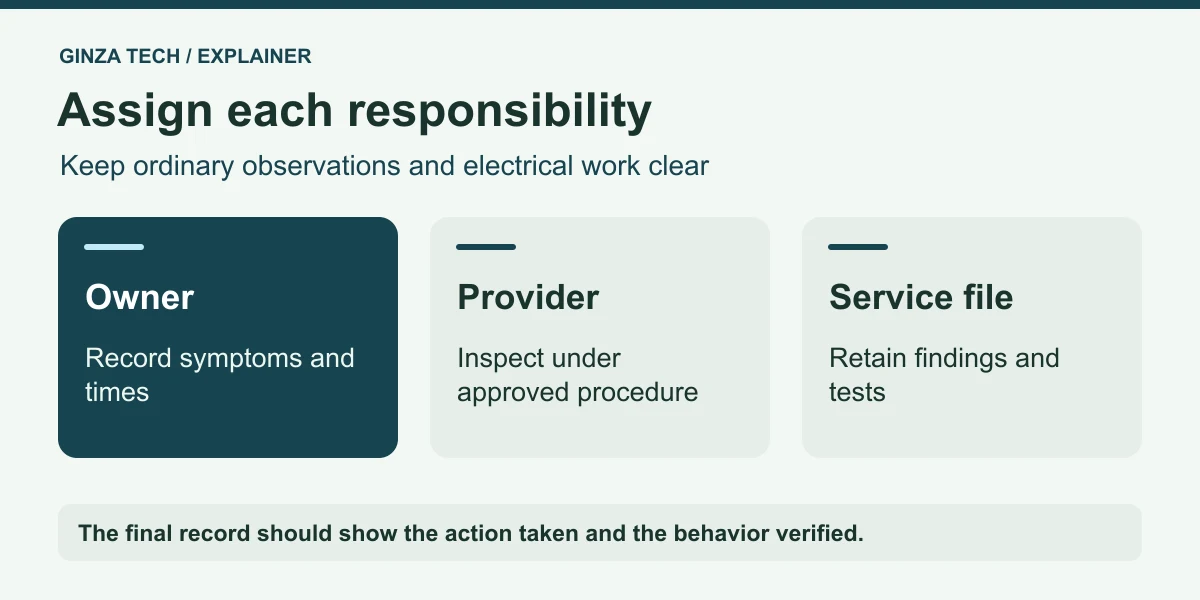
A practical solar battery maintenance plan combines ordinary owner observations, reliable operating records and inspection by the responsible qualified provider. Start with the maintenance requirements for the exact battery, inverter and installation. Then assign who checks alarms, who performs service and what evidence is retained after a change or unusual event.
LiFePO4 storage usually has fewer routine owner tasks than a flooded lead-acid bank, but the complete system still includes electrical connections, protection, controls and an operating environment. This checklist helps a homeowner, installer or distributor organize those responsibilities. Inspection intervals and service methods must come from the supplied equipment documents and the site assessment.
Build the equipment and service file first
Keep the battery and inverter model numbers, serial numbers, hardware and software versions, supplier contacts and original commissioning record together. Include the circuit schedule, approved operating settings and any documented limits on expansion. Save the manuals for the installed revisions. A generic manual found years later may describe a different terminal arrangement or supported function.
Ask the installer to identify the maintenance requirements of the whole system. A battery manual covers its own product, while an inverter, enclosure cooling system or site protection arrangement may have a different service requirement. The commissioning checklist shows what the initial record should contain.
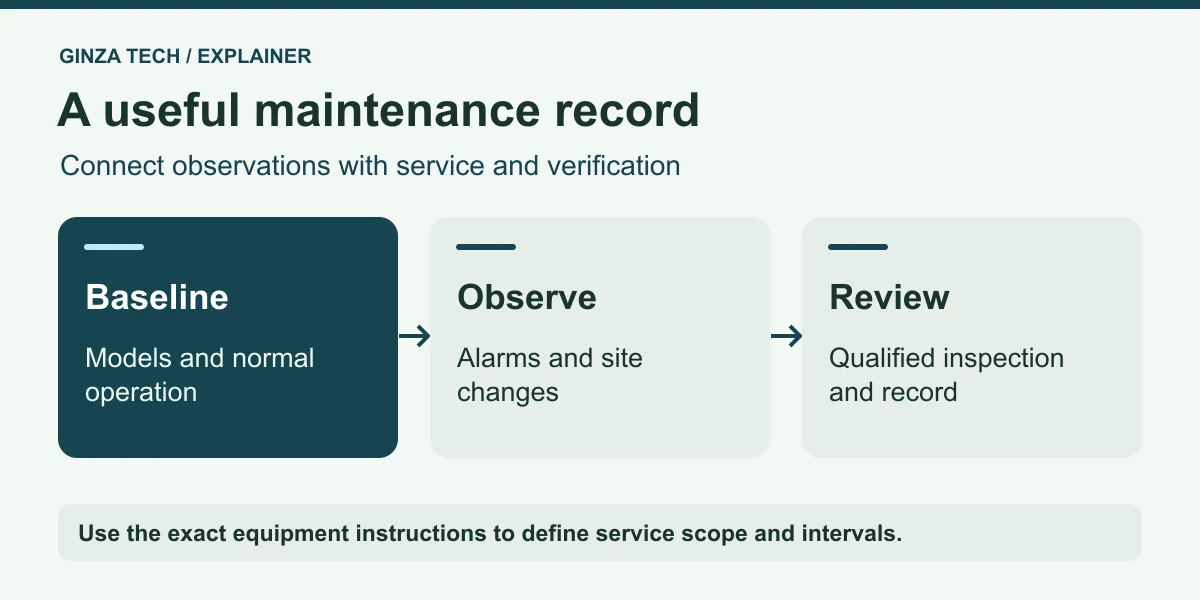
Use owner observations to notice a change
Through the normal user interface, check whether the expected charging and discharge pattern is occurring. Record persistent alarms, unexpected shutdowns, unusual temperature messages and changes in available power. Observe the equipment’s surroundings for blocked access, new water exposure or objects obstructing the required space. Report damage or abnormal conditions to the responsible service provider using its supplied instructions.
Record what changed as well as what the dashboard says. A new appliance, different operating hours, firmware update or changed reserve schedule can alter the daily graph. A lower ending state of charge after a busier evening can be normal. The monitoring guide explains how to align readings before deciding there is a fault.
| Review | Useful record | Responsible person |
|---|---|---|
| Normal operation | Mode, reserve, representative energy and power readings | Owner or operator |
| Alarm or interruption | Time, message, load and surrounding conditions | Owner records; provider reviews |
| Scheduled inspection | Manufacturer-required checks and findings | Qualified service provider |
| Equipment or setting change | Approval, new configuration and functional test | Responsible installer |
A short owner checklist to keep with the service file
Use ordinary user displays and externally visible conditions for these observations. Agree their frequency with the supplier; this table is not a replacement for the manufacturer’s inspection schedule.
| Observation | What to record | Next step |
|---|---|---|
| Dashboard is current | Timestamp, operating mode and whether the last update is recent | Check local indications if the cloud report is stale |
| New or persistent alarm | Exact code, time, available temperature reading and recent change | Use the named provider and its instructions |
| Unexpectedly short backup | Starting charge, lower cutoff, actual loads and duration | Compare the same duty before assuming capacity loss |
| Changed surroundings | Blocked access, new water exposure or obstructed required clearance | Arrange a site review without opening the equipment |
| After service or a configuration change | Who approved it, what changed and the observed functional result | Retain the dated record and any outstanding action |
These are ongoing care observations. The commissioning record establishes the initial accepted installation, while a capacity assessment uses a separate approved test. Keeping those purposes distinct avoids turning every dashboard change into an electrical intervention.
Agree what qualified inspection includes
Ask the provider to explain the inspection scope in writing. It should address the equipment manufacturer’s requirements, the approved installation and any specific risks identified at the site. Electrical checks, enclosure access and protection verification require the appropriate competence and procedures. Keep a record of the findings and any follow-up action, including the conditions under which the system was returned to service.
The U.S. DOE operation and maintenance overview describes preventive and corrective work and the value of performance tracking. Apply the concept to your own equipment schedule. Philippine or Malaysian site conditions and the supplied product instructions determine the actual service plan.
Separate a performance review from a capacity test
A monthly energy total depends on the loads and charging source. It cannot establish remaining battery capacity on its own. A hypothetical home that discharges 4 kWh one month and 2 kWh the next may simply have lower evening demand or less energy available for charging. Compare similar operating periods and check the selected reserve before escalating a suspected capacity loss.
If a capacity or warranty assessment is needed, ask for the manufacturer’s approved test conditions and the responsible provider. The test boundary, initial and final state, discharge power and temperature should be documented. The battery life and warranty guide explains how retained capacity and warranty scope differ from a monthly-use graph.
Recheck the plan after an installation change
Adding a battery, replacing an inverter or changing the building load can alter the commissioned system. Ask the provider to review compatibility, current limits, recharge opportunity and protection as appropriate. The parallel expansion guide covers a planned bank addition. Keep the revised equipment list with a dated functional test.
Site changes can matter just as much. A newly enclosed utility room can run warmer. Stored goods can reduce service access. A new roof drain may change where water collects. Use the battery location review when these conditions change, and ask the provider how they affect the service schedule.
Plan periods when the site will be unattended
Ask the supplier for its procedure before leaving a system unused. Small auxiliary loads can continue drawing energy while the main equipment appears idle. The Victron battery care documentation provides an example of why a shutdown plan considers residual consumption and recharge. Use the shutdown and storage instructions for your own battery and inverter.
Write down how alarms will be received and who can respond while the property is empty. On return, use the approved restart and inspection process. If the internet connection is disabled during the absence, confirm which records remain available locally and how the provider will recover them.
Make a service visit easy to act on
Send the provider a short event record before the visit. Include the symptom time, alarm code, equipment identification, recent changes and a representative chart. Note any weather event or building work that may be relevant. The provider can then bring the right documents and plan the inspection rather than beginning with an incomplete history.
After service, retain the findings, approved changes, replacement part identity and final functional checks. Ask which observation should trigger the next contact. A service record is more useful when it tells the next technician what was investigated and what behavior was verified afterward.
Close a maintenance item with an observed result
For each service finding, record who owns the follow-up and how completion will be confirmed. A replacement part, an approved setting change and a site-access problem need different evidence. If an alarm is resolved, retain the relevant operating period and the provider’s final check. If work must be deferred, keep the operating guidance and next service contact with the item.
For a distributor managing multiple installations, use consistent equipment identifiers and dates in service records. That helps distinguish a repeated issue on one site from unrelated questions across different hardware. Review access permissions when an account moves from an installer to an owner, so the person responsible for alarms can actually receive and export them.
A useful maintenance plan can remain short. It should point to the correct manual, list the observations an owner can make and name the provider for the required inspection. Keep the evidence detailed enough that the next person can understand the configuration and the work already performed.
Uninstalled distributor stock and batteries waiting for a delayed project need a separate care and release file. Use the LiFePO4 inventory-storage guide to assign receipt records, residual-load review and the model-specific next action.
Sources and example boundaries
This is an ongoing-care checklist, separate from the installation commissioning procedure and a capacity test. The references explain maintenance planning and one manufacturer's battery care. The installed equipment manuals determine actual intervals and service actions.
Frequently asked questions
How often should my battery be inspected?
Use the intervals supplied for the installed equipment and site. Agree a plan at handover and review it after abnormal events or a material change in operating conditions.
Should an owner tighten terminals or change protection settings?
Assign electrical inspection and configuration work to the qualified provider under the equipment procedure. Owners can collect ordinary dashboard and external-condition observations for that review.
What helps GINZA support assess an issue?
Share the model, service history, symptom and available logs through the service enquiry. If the issue is charging, begin with the charging fault evidence guide.